
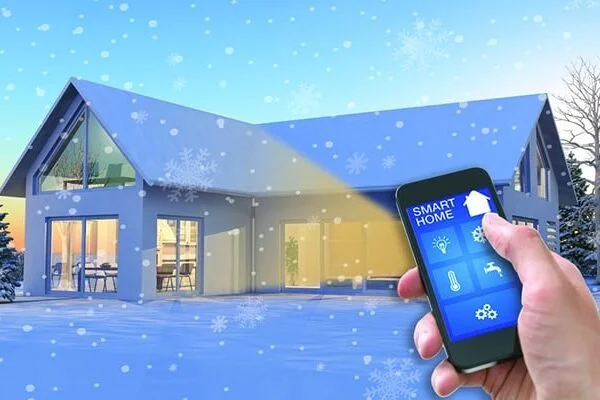
7 Things to Check Before the Cold Weather Arrives
As the days get shorter and temperatures begin to drop, our homes naturally become the center of our daily lives. We spend more time indoors, rely more heavily on lighting and heating, and want the peace of mind that comes with knowing our homes are secure, even when we're away.
But while many homeowners prepare for winter by checking their heating systems, sealing windows, and clearing gutters, the technology inside and around their homes can easily be overlooked.
From smart home automation and security cameras to Wi-Fi performance and water leak detection, a little preventative maintenance can help your technology continue working reliably throughout the colder months.
Here are seven things worth checking before winter arrives.
At OnHive, our mission is simple: We Connect you ➕ Technology.
1. Check Your Smart Home System
Your smart home may be working perfectly today, but when was the last time you checked that everything was communicating as it should?
Lighting, motorized shades, thermostats, security systems, and entertainment equipment often rely on several connected devices working together. A device that has gone offline, an outdated component, or a change to your network can affect how the wider system performs.
Before winter, take a few minutes to test your everyday routines and scenes. Check that lights respond as expected, schedules run correctly, and your preferred settings are still working. If your home uses a centralized automation system, such as Control4, a system health check can also help identify connectivity issues or other problems before they become more disruptive.
Our tip: If your system has become less reliable or you're relying on multiple apps to control your home, it may be worth reviewing how your devices are integrated.
2. Review Your Home Security
With shorter days and longer evenings, outdoor lighting and home security become particularly important.
Start by checking that your security cameras are online, recording correctly, and providing clear images. Make sure important entry points are covered and that motion notifications are working as intended. It's also a good time to test your smart locks, alarm system, and any automated exterior lighting. If you use remote monitoring, confirm that you can access your system when away from home.
For homeowners planning holiday travel, these checks are especially worthwhile. Being able to review camera feeds, receive alerts, and manage compatible devices remotely can provide additional peace of mind.
A properly integrated security system brings together the right equipment, reliable connectivity, and convenient control.
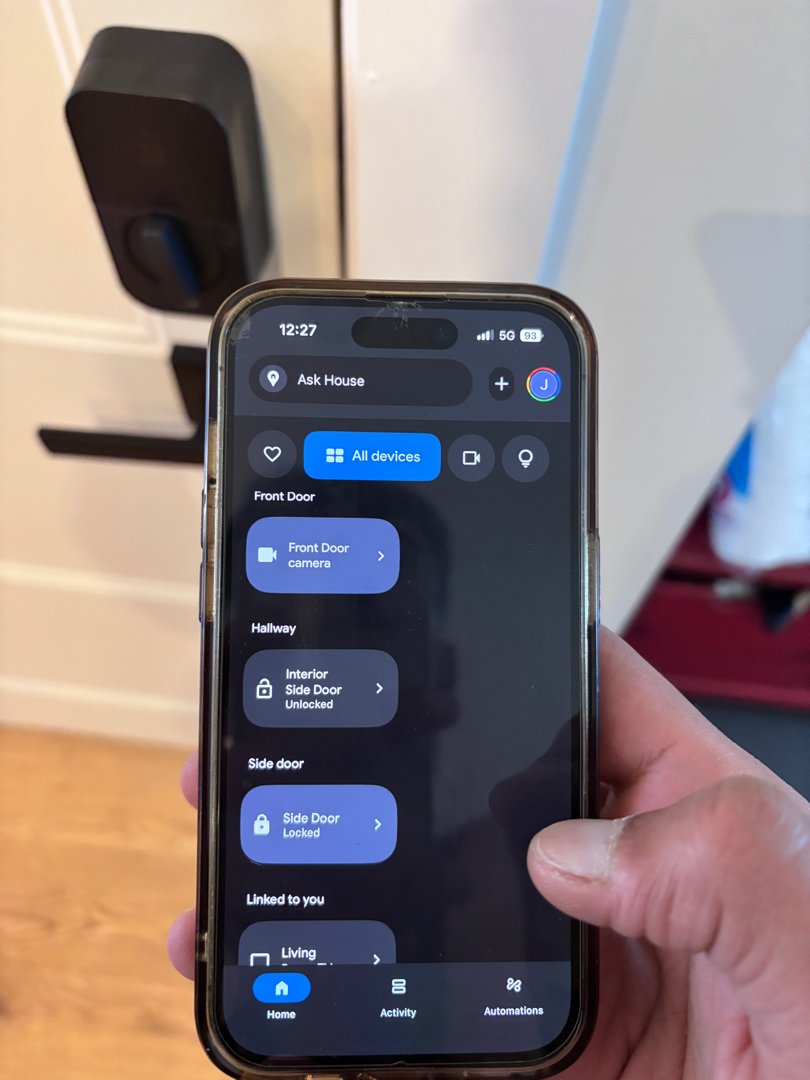
Keep an eye on what matters, wherever you are!
3. Make Sure Your Wi-Fi Is Ready for More Time Indoors
When the weather turns cold, we tend to spend more time streaming movies, working from home, gaming, and using connected devices. That can put additional demands on your home network. If you've noticed dead zones, buffering, dropped video calls, or smart devices that regularly disconnect, winter is a good time to investigate the cause.
A reliable home network involves more than having a fast internet package. Router placement, building materials, access point locations, network configuration, and the number of connected devices can all affect performance.
Professionally designed Wi-Fi and network infrastructure can help provide more consistent coverage throughout your home, including offices, entertainment spaces, and other areas where reliable connectivity matters.
Our tip: Don't wait until your network struggles during a busy evening or an important video call. Addressing coverage and connectivity issues early can make your home technology more dependable year-round. And don't forget to run the important updates to keep it running smoothly.
4. Revisit Your Lighting and Automation Schedules
As daylight hours decrease, your lighting needs change too. A lighting schedule that worked well in summer may no longer suit your routine. You might want exterior lights to turn on earlier, interior lighting to adjust around sunset, or particular rooms to follow different schedules during darker mornings and evenings. Smart lighting and automation systems can make these seasonal changes easier to manage.
Depending on your setup, lighting can be scheduled or coordinated with sunset, occupancy, and other compatible devices. Scenes can also combine lighting with motorized shades and other systems to create a more comfortable environment throughout the day.
The goal isn't to add more automation. It's to make your home respond more naturally to your routine.
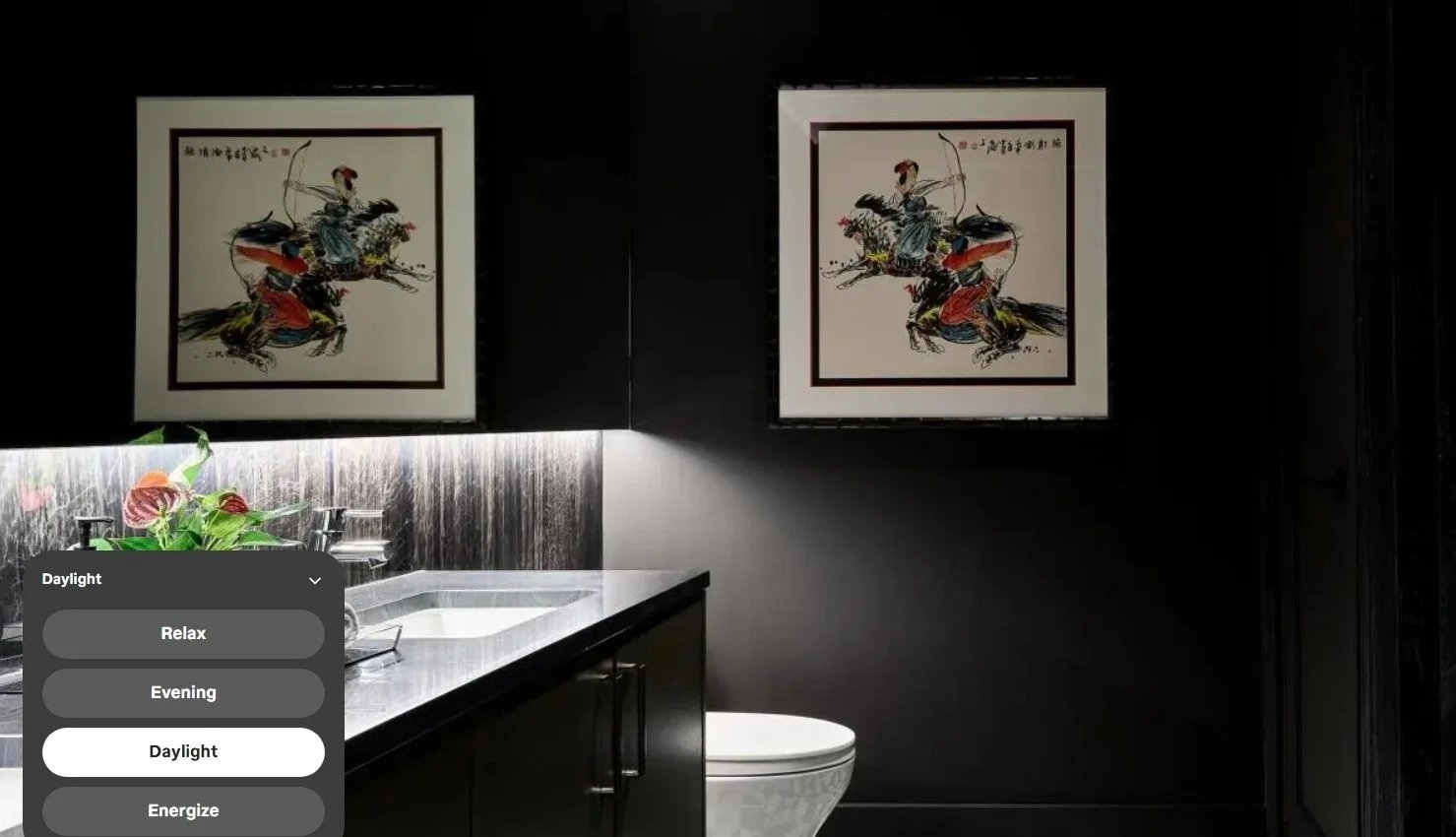
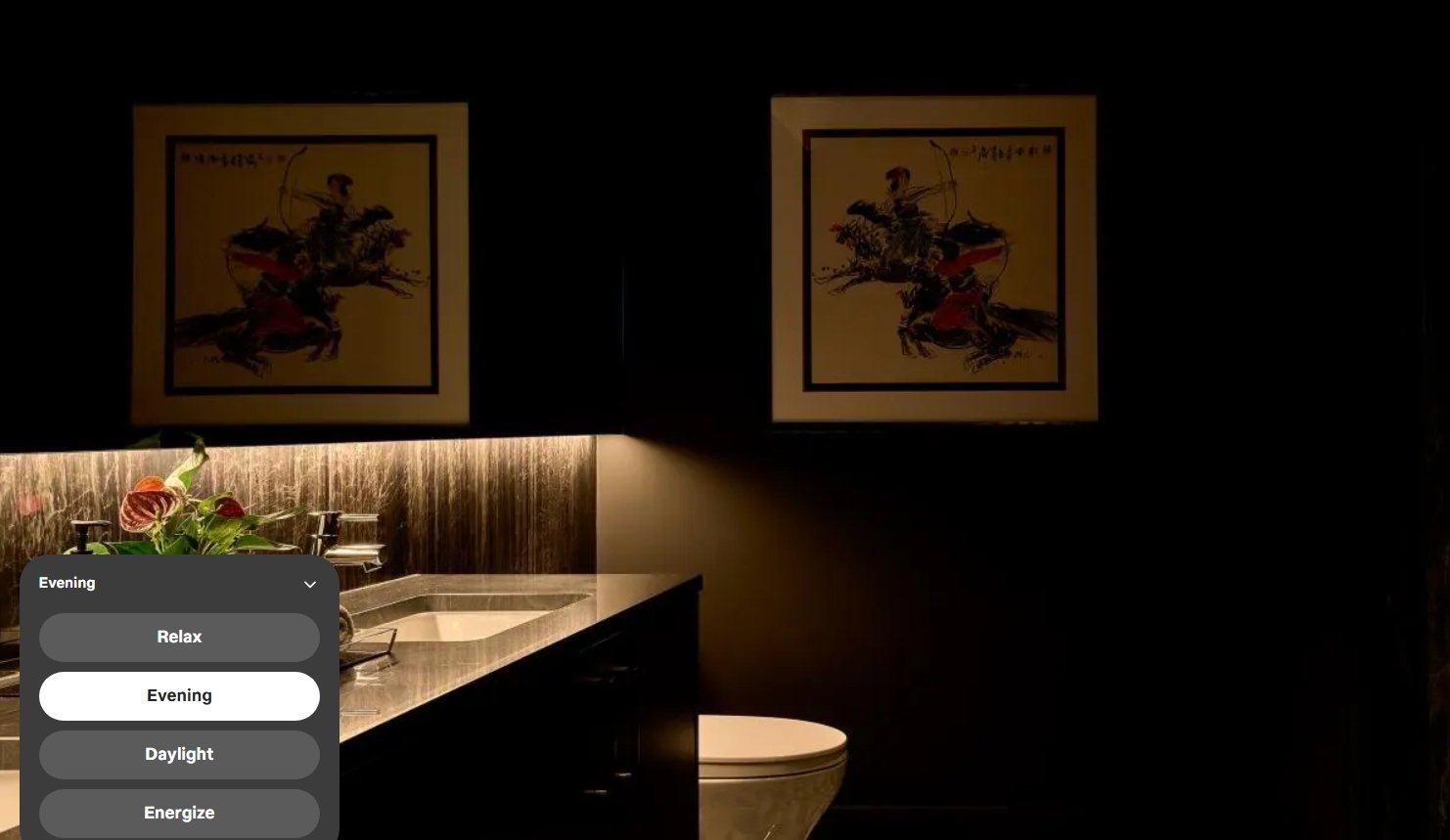
Let your lighting adapt to the changing seasons. Lutron lighting and automation systems can make these seasonal changes easier to manage.
5. Don't Forget About Outdoor Technology
Cold weather can be hard on outdoor technology, particularly equipment exposed to moisture, freezing temperatures, and changing weather conditions.
Before winter sets in, check your outdoor cameras, Wi-Fi access points, speakers, and other connected equipment. Look for visible damage, loose connections, or signs of water intrusion, and confirm that devices are operating normally. It's important to remember that not every outdoor-rated product is designed to withstand every winter condition. Check manufacturer specifications for operating temperatures and seasonal maintenance recommendations.
If you have outdoor audio, landscape lighting, or a dedicated outdoor entertainment setup, this is also a good opportunity to review what should remain operational and what may need to be powered down, protected, or even taken down and stored indoors for the winter. Taking care of these systems now can help avoid unnecessary surprises when warmer weather returns next spring!
6. Consider Water Leak Detection Before a Problem Occurs
With heavy snowfall, freezing temperatures and fluctuating winter weather, water damage isn't just a concern during the warmer months. As snow and ice begin to melt, water can find its way into basements, garages, utility rooms and other vulnerable areas of your home.
Smart water leak sensors can help detect unwanted moisture in key areas, such as near basement windows, sump pumps, water heaters, washing machines and other potential sources of leaks. Depending on the system, alerts can be sent directly to your phone, helping you respond before a small issue becomes a much bigger problem.
For larger homes, condominiums and multi-unit properties, strategically placed sensors can provide an additional layer of protection. For even greater peace of mind, some systems can integrate with compatible automatic water shut-off valves, helping limit damage when a leak is detected.
7. Schedule a Smart Home Health Check
A seasonal health check is an opportunity to review how everything is performing. Especially if your smart home has grown over the years. You may have added cameras, lighting controls, streaming devices, network equipment, or other technology without revisiting the system as a whole.
Depending on your installation, this may include checking network connectivity, reviewing device status, confirming automation schedules, inspecting equipment organization, and identifying potential upgrades or maintenance requirements. It can also help you understand whether your current setup is ready for future additions.
At OnHive, we believe technology should work together to support the way you live. Regular maintenance and thoughtful planning help keep that experience reliable, convenient, and ready to grow for future needs.

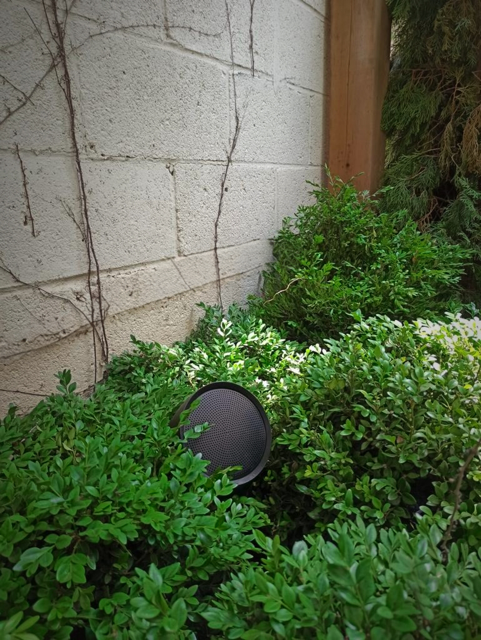


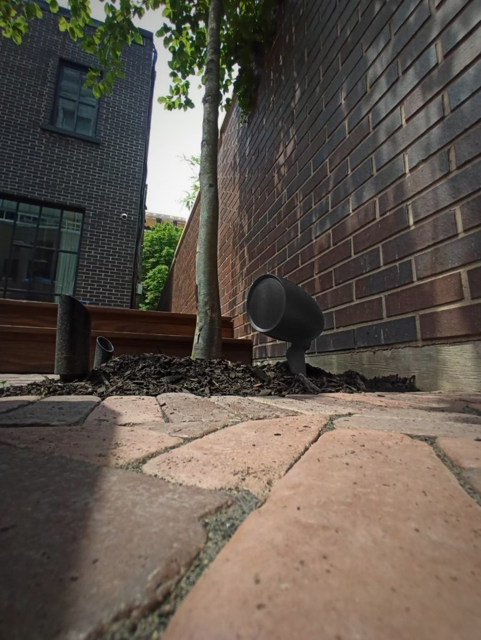
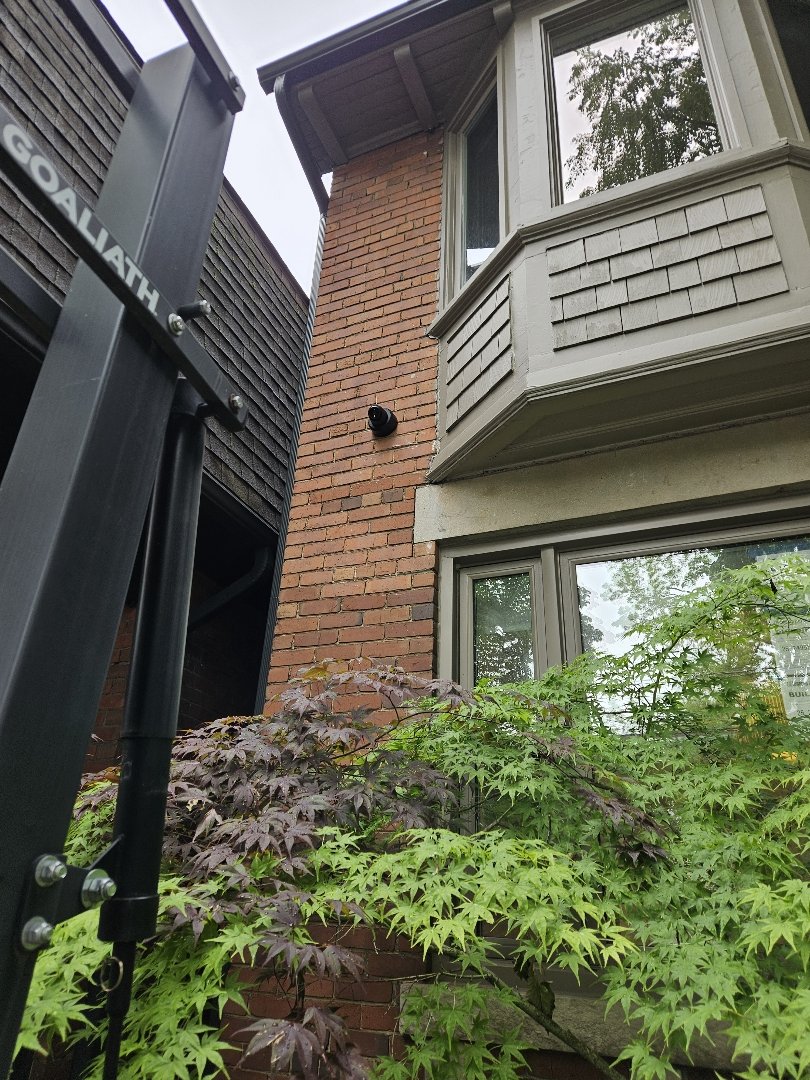

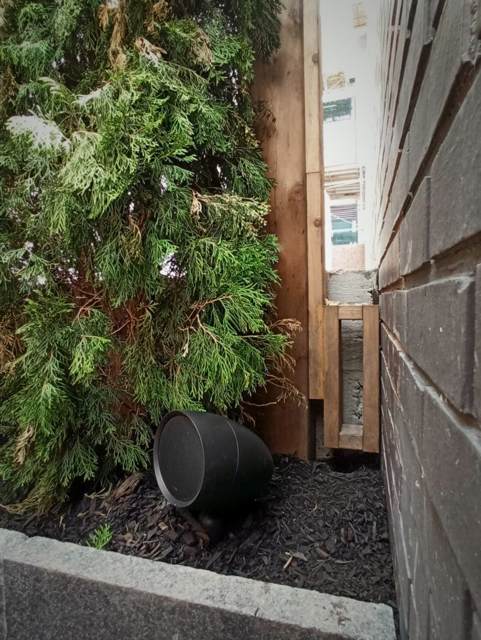
Winter is a good opportunity to review what should remain operational and what may need to be powered down, protected, or even taken down and stored indoors for the winter.
Get Your Smart Home Ready for the Season
Winter preparation doesn't have to mean a major upgrade. Sometimes, a few simple checks can make a meaningful difference to the reliability, security, and comfort of your home.
Whether you're troubleshooting Wi-Fi issues, reviewing your security cameras, improving your home automation, or planning a new system, the right approach starts with understanding how your technology works together.
The OnHive Difference
At OnHive, we work with homeowners, builders, architects, and designers from the early planning stages through installation and programming to make sure technology is considered as part of the overall design, not added as an afterthought.
From luxury homes and commercial spaces to completely bespoke engineering projects, our focus remains the same: designing technology around people, not asking people to adapt to technology.
Because the best technology isn't defined by the products you choose. It's defined by how well those products work together to support the way you live, work, and experience your space.
Want to find out how we can help with your space?
📍 Visit onhive.ca for expert advice, product recommendations, or help with your installation.
💬 Have questions? Our tech specialists are here to help.
👉 Contact us today and let’s connect you ➕ technology.
